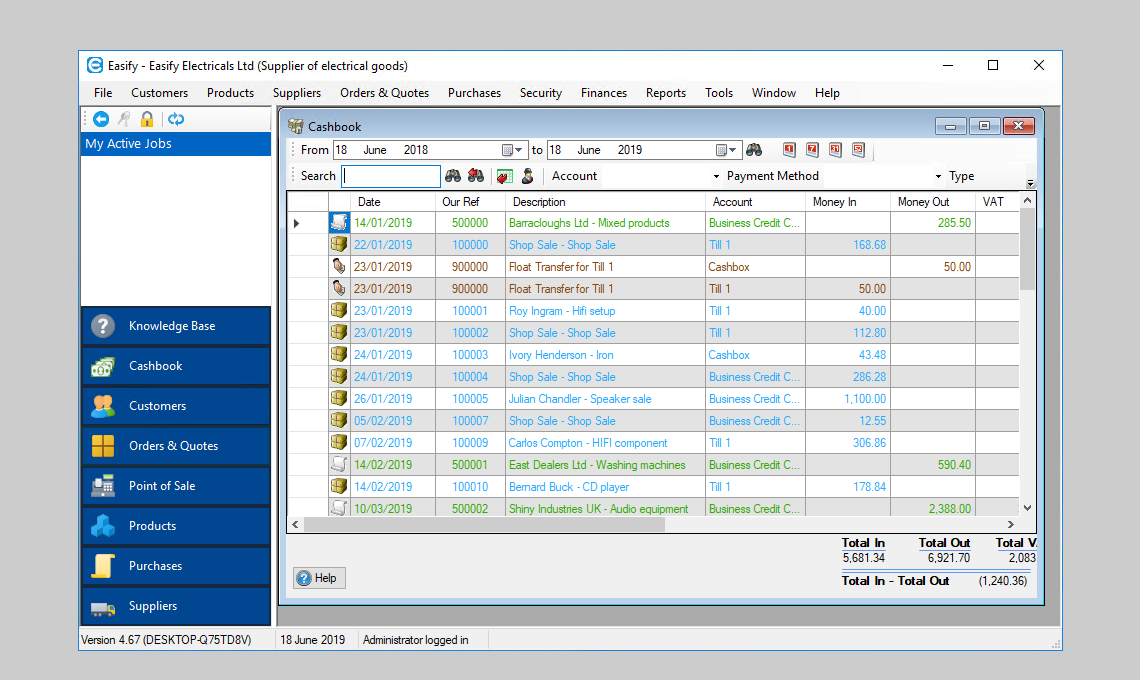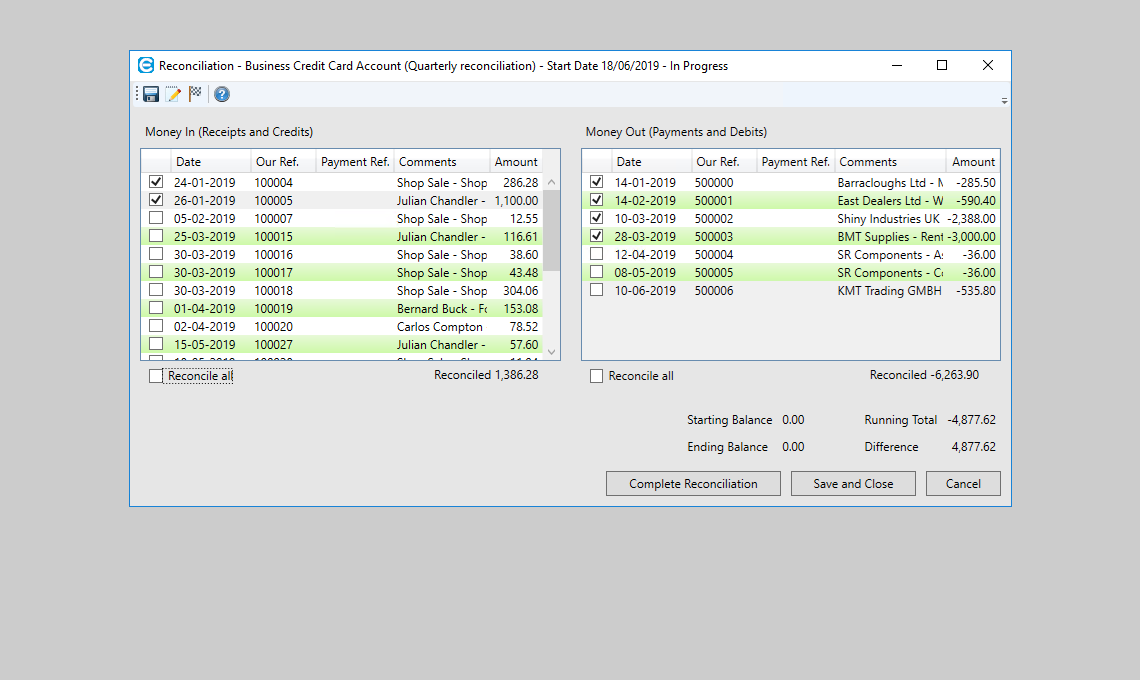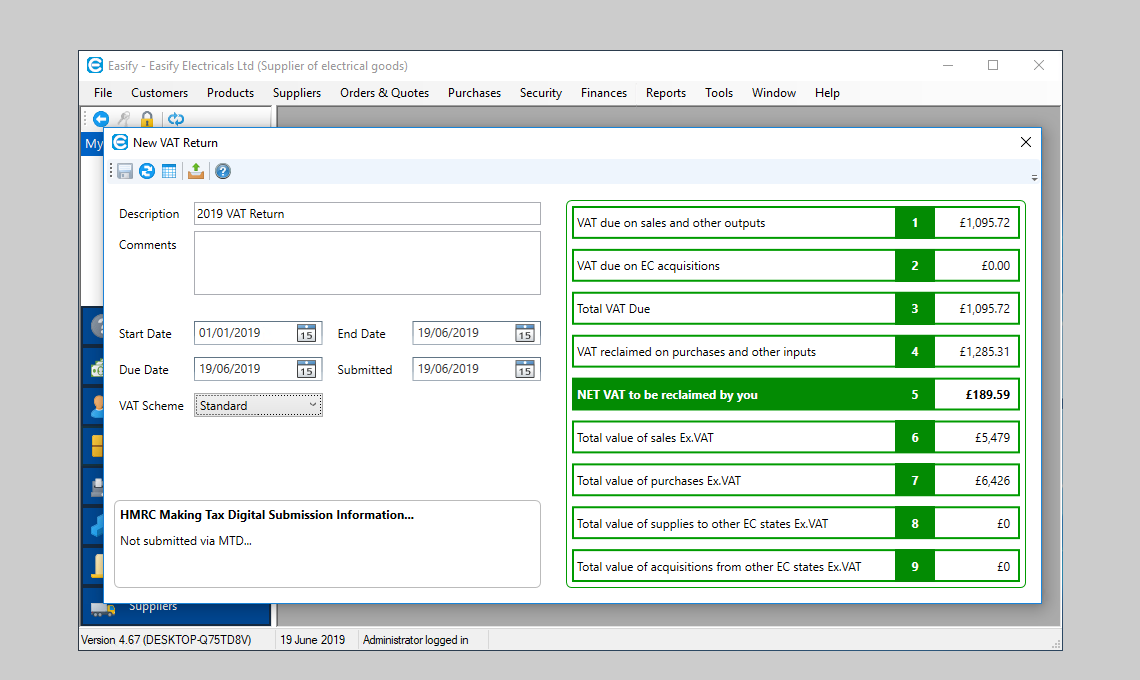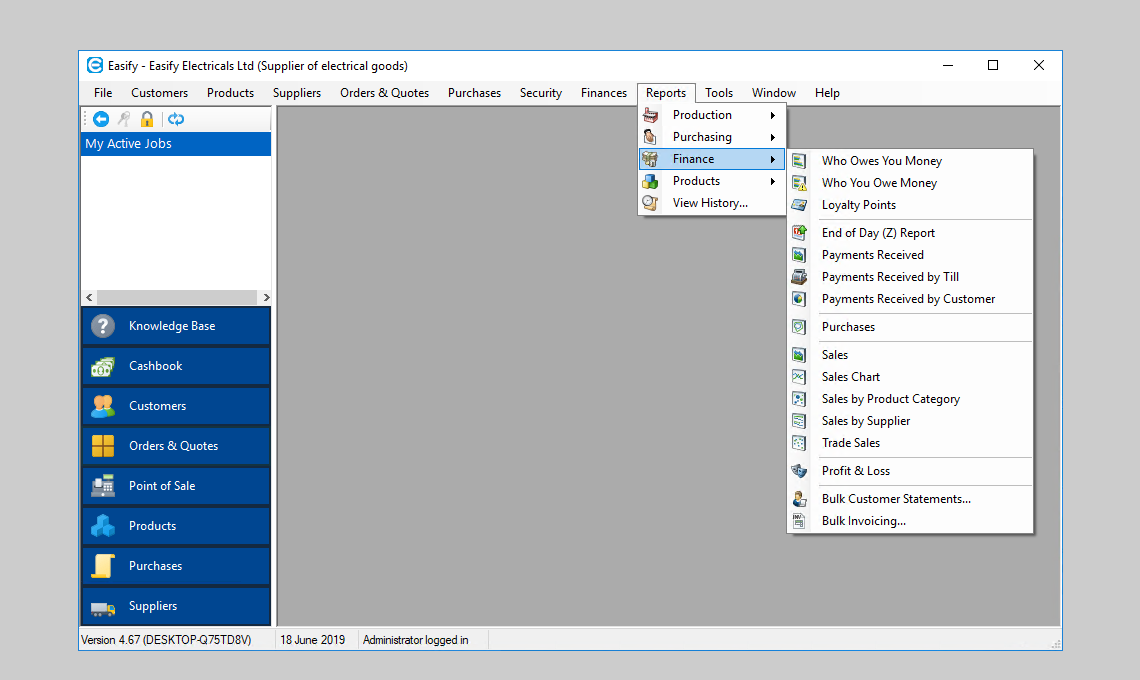
Easify - the Only Business Software You Need
Using Easify Business Software to help you run your business you can manage your
products, services, customers, quotes and orders - all from a single easy to use
software package.
Easify features a built in EPOS system that allows you to easily setup and use a
till, receipt printer and barcode scanner. It is very easy to use too, so your staff
will need a minimum of training.
The perfect solution for companies with 1 to 50 people, Easify has been designed
from the ground up for small businesses.
Stock - Your Products & Services
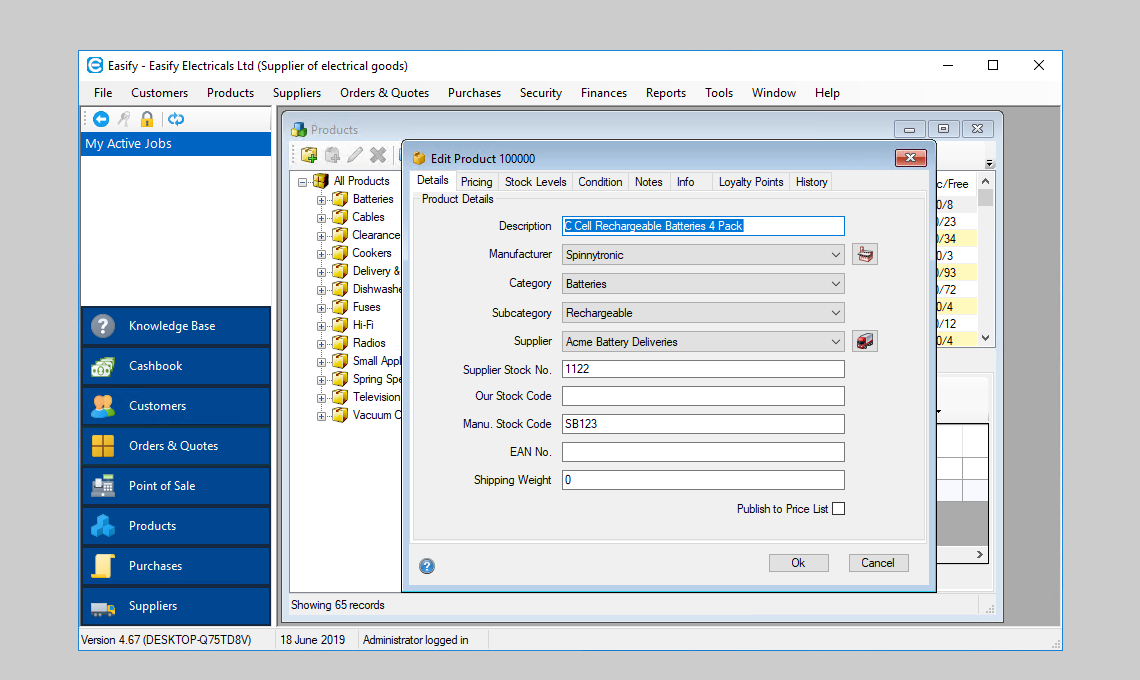
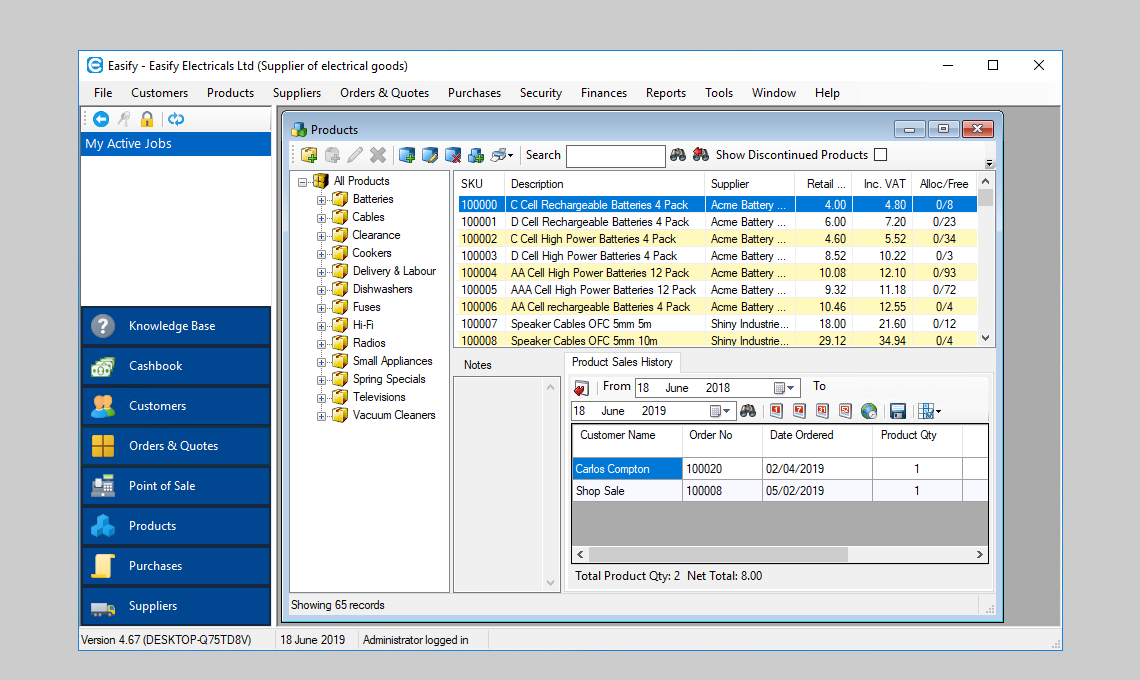
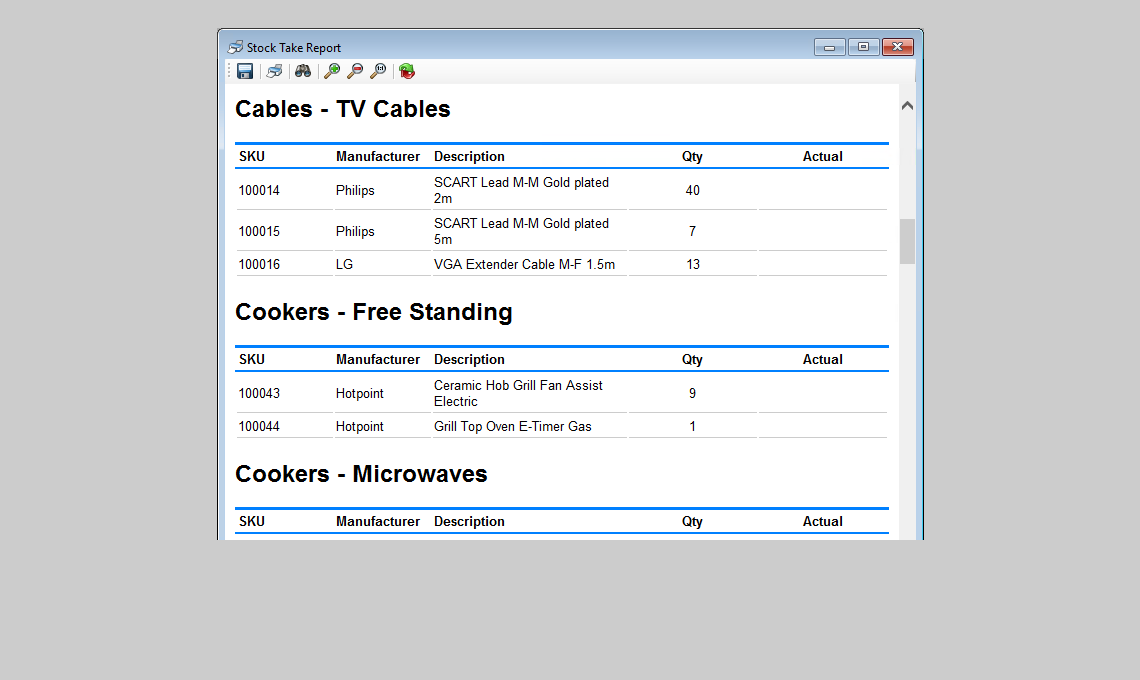
Easify helps you keep track of your products and services, allowing you to instantly
see how much you have in stock.
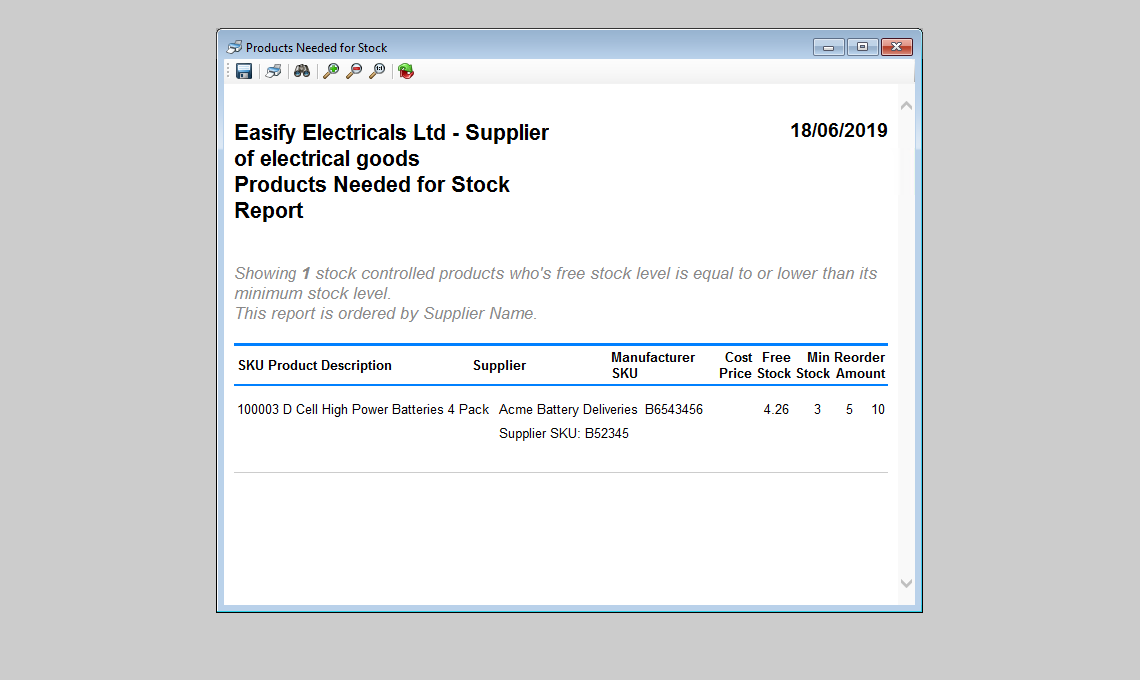
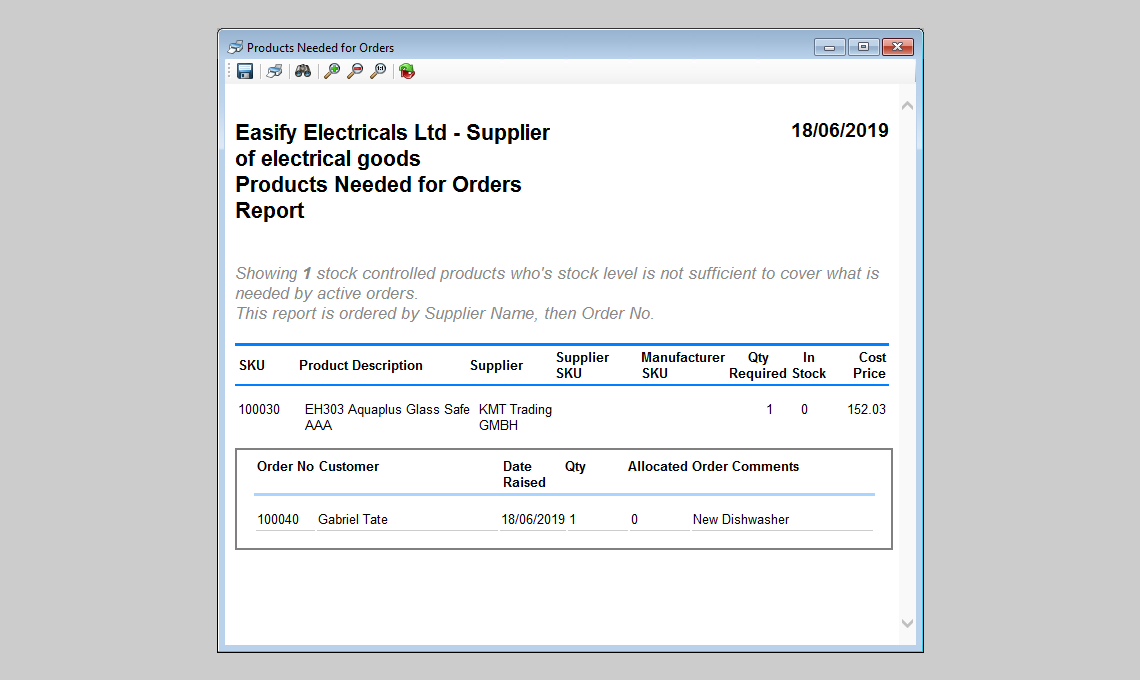
Run reports to tell you what items you're running low on, and what you need to re-order
and who from.
Set your profits by margin or markup, and set VAT rates for individual products.
Easify remembers when you last updated your prices so you never need to worry about
out of date pricing again.
Create categories so that you can organise your products and services by type, making
it easy to navigate your inventory.
Your product inventory is colour coded to instantly alert you when stock levels
are running low, or when your prices are getting out of date.
Customers
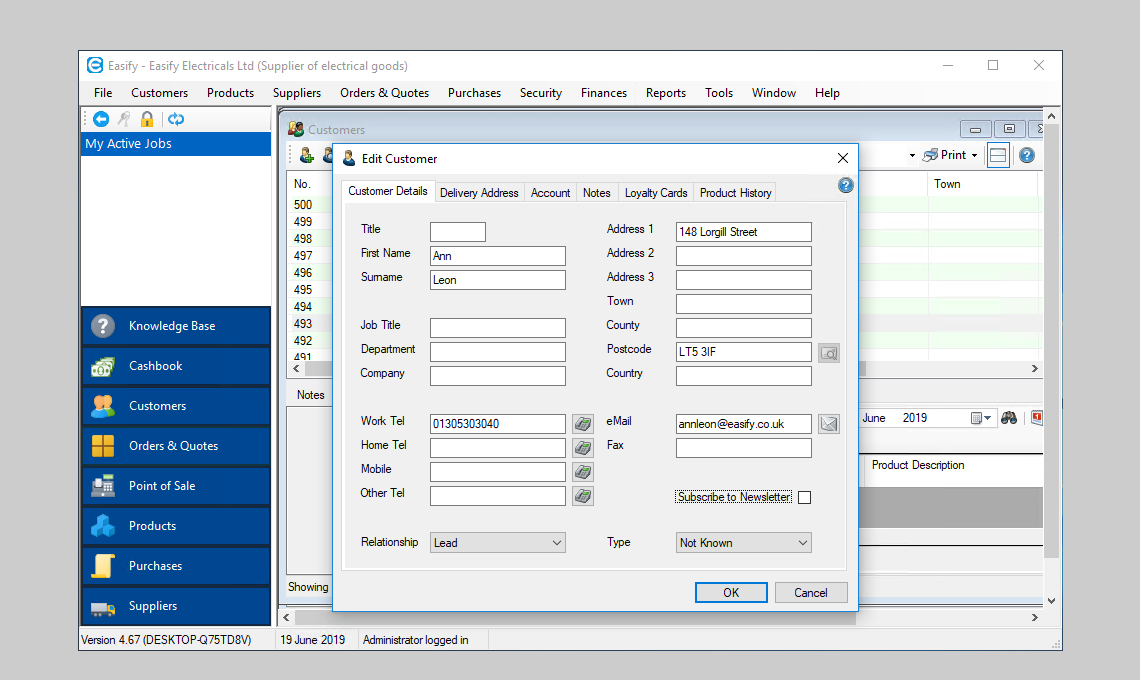
With Easify keeping track of your customers is easy.
Simply enter your customer details into Easify, and they are ready to add to quotes
and orders.
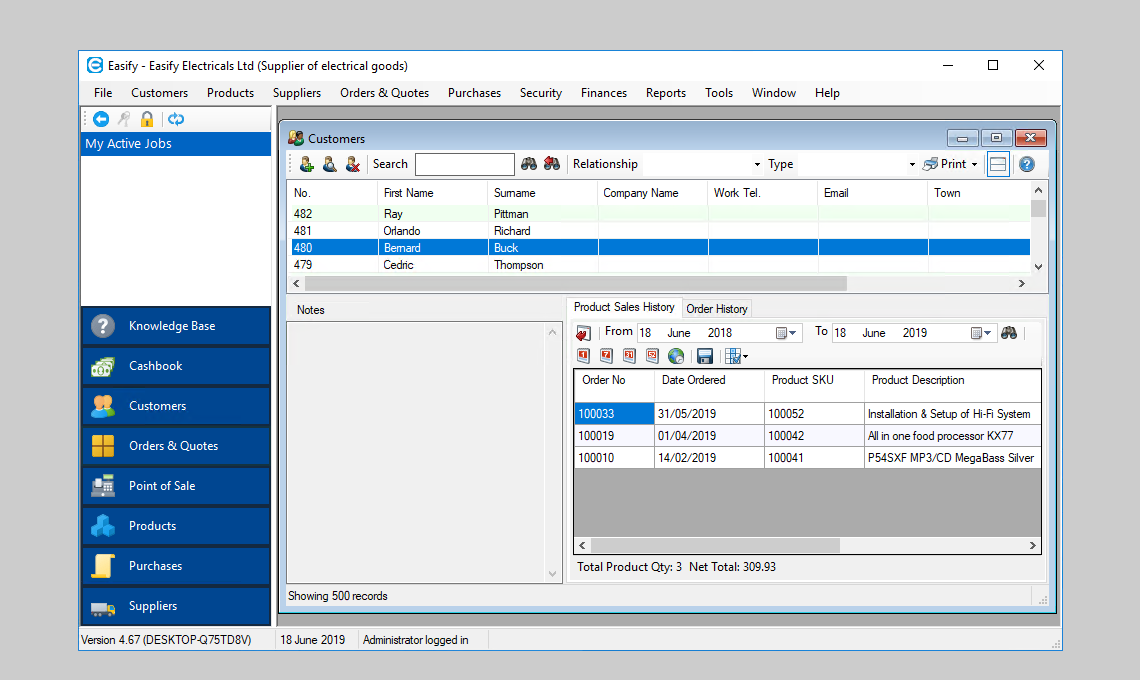
Easify tracks your customers purchases allowing you to view their order history
at a glance.
Powerful customer search facilities come as standard with Easify, find your customers
by name, address, phone number or even email address.
Orders - from Quotation to Payment
Orders form the heart of Easify, bringing together your customers, products and
suppliers in an easy to manage yet powerful system.
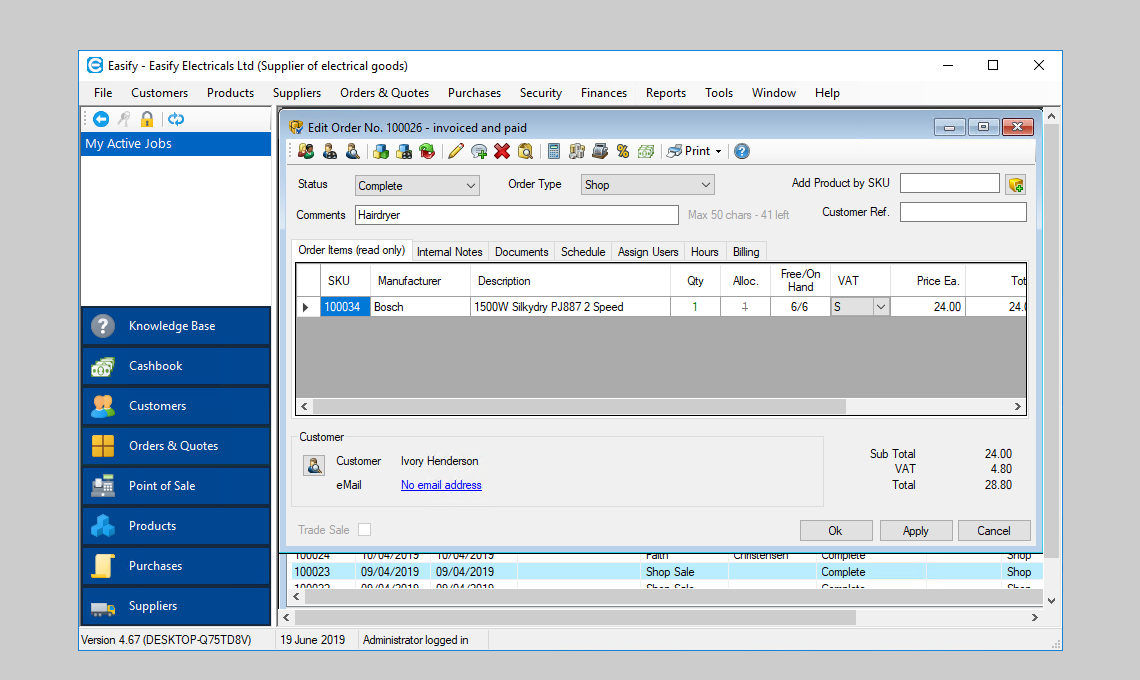
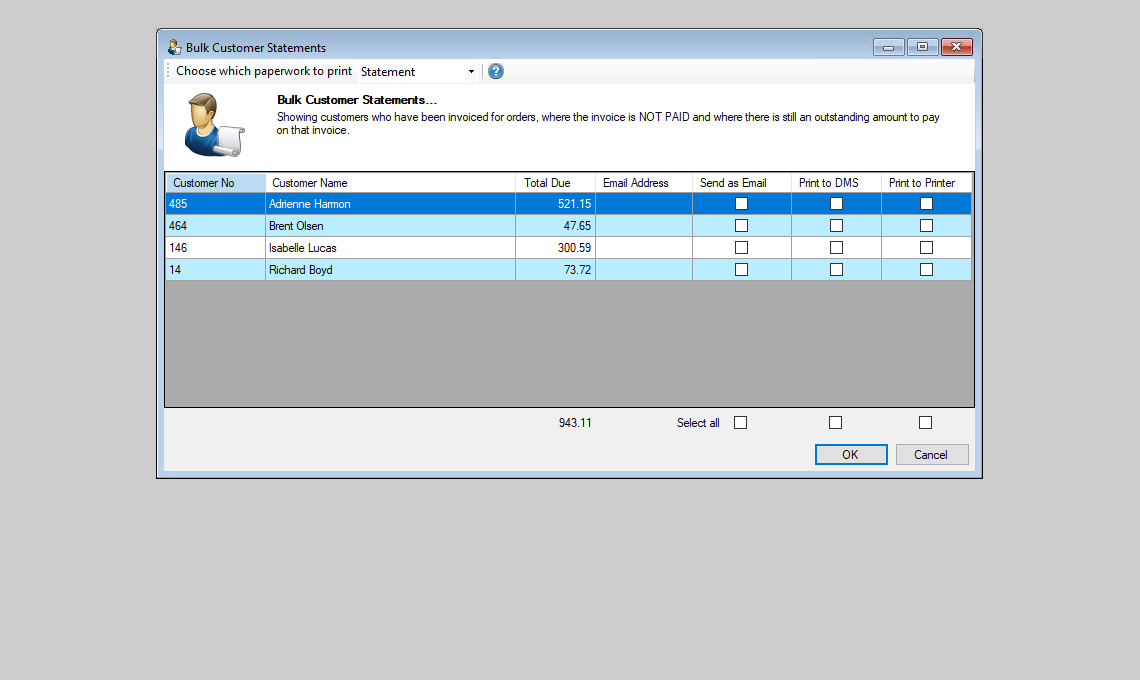
Here you can raise quotations, track workflow through your company, issue invoices
and keep track of who has paid and who hasn't.
Creating quotations and orders is as easy as dragging customers and products together
with your mouse pointer.
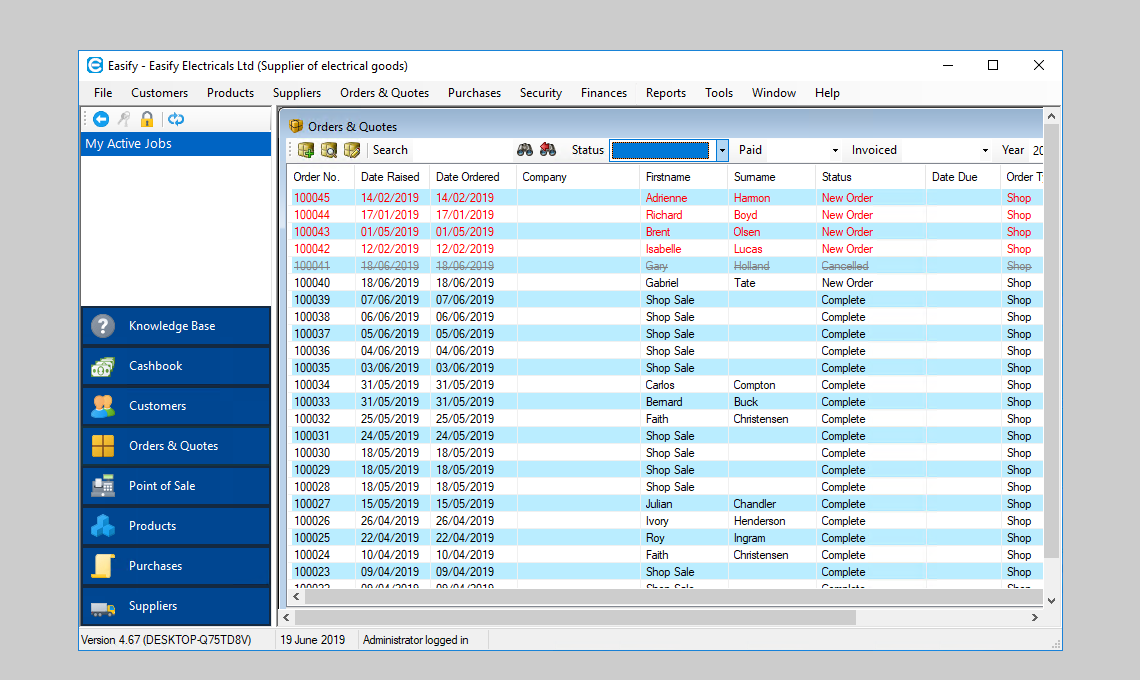
Easily view the status of your workload. If you want to view all orders that are
'Awaiting Parts', simply select 'Awaiting parts' on the orders screen
and you will see a list of orders that are awaiting parts.
Suppliers
Enter your supplier information into Easify and always have their details at your
fingertips.
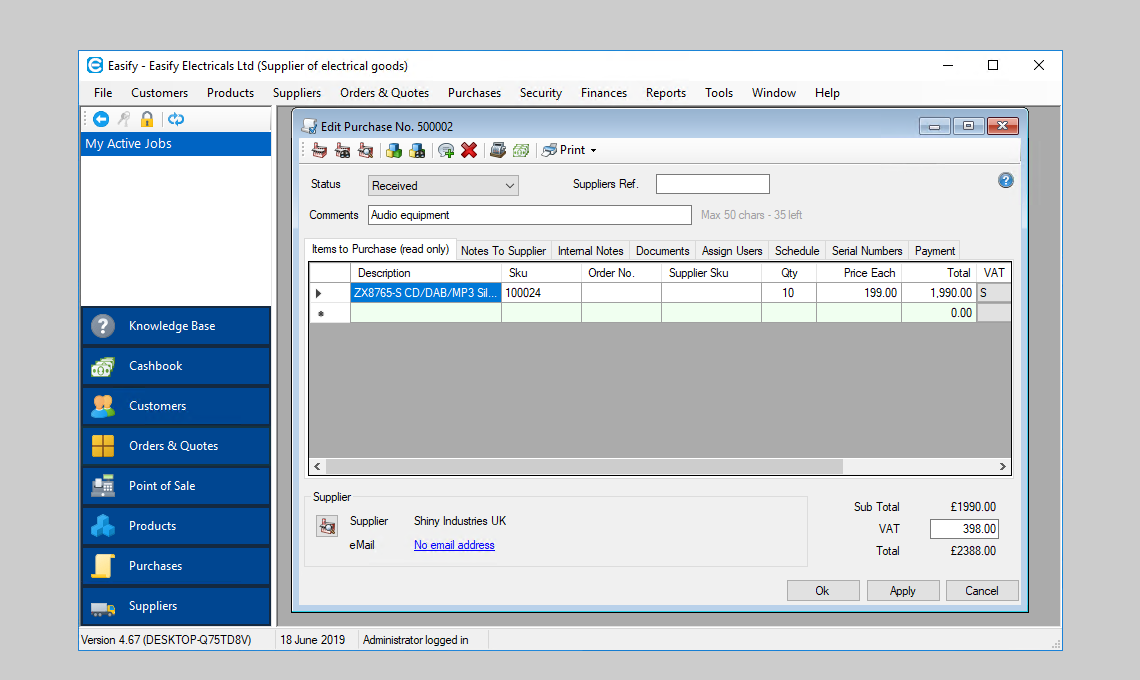
When you have entered your supplier details you can attach them to your products,
so that when you come to re-order products Easify will tell you who to buy them
from.
Easify allows you to enter detailed notes for all your suppliers, helping to give
your purchasing the edge that it needs.
EPOS - Electronic Point of Sale
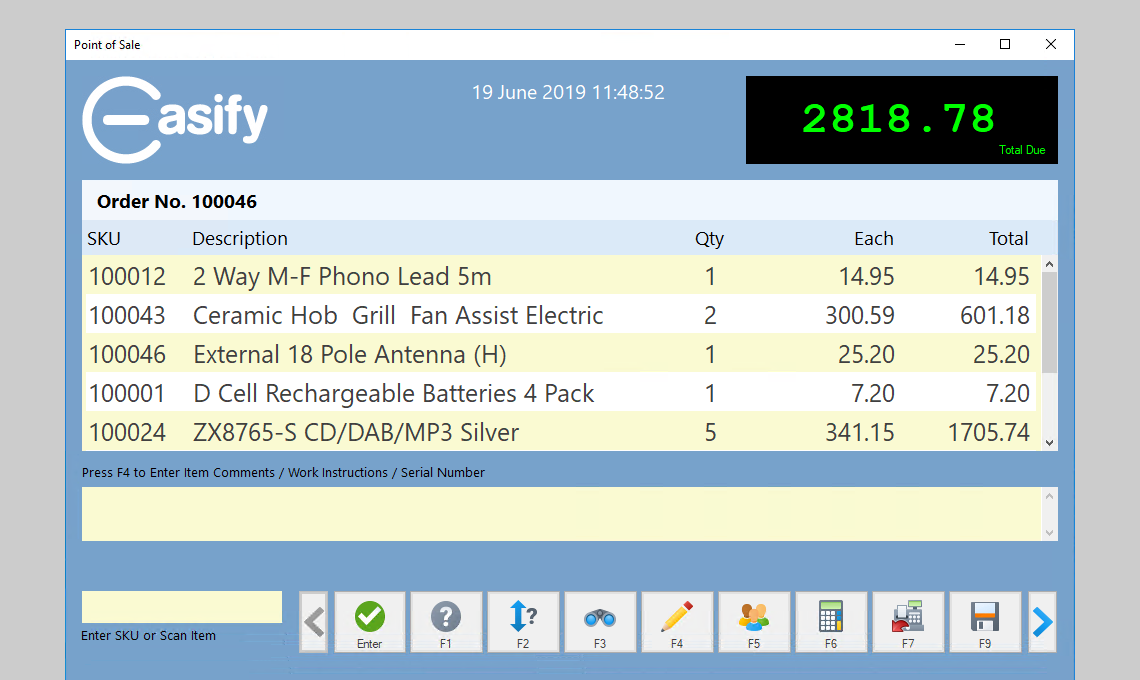
All the power and ease of use of Easify has been incorporated into a fully featured
EPOS system.
Simply plug into easify an electronic till, receipt printer and barcode scanner
and you have a full blown EPOS system.
The easify EPOS system is fully networked with all your Easify enabled PCs allowing
you to instantly view point of sale transactions from any Easify enabled PC on your
network.
Plug in a thermal label printer, and you can print your own barcoded product labels,
complete with your company name on them.
Easify 2009 is fully compatible with the Wasp range of barcode products, all of
which are available to purchase direct from us.
Knowledgebase
Easify comes complete with a fully featured knowledgebase system.
Create your own knowledgebase categories, and easily create articles and crib notes
using the built in article editor.
The knowledgebase is the perfect central location to store your company handbook,
company procedures and notes. In fact any piece of information that is likely to
be forgotten can be quickly and easily entered into your knowledgebase.
The knowledgebase is easy to search, simply enter a word or phrase, hit the search
button and relevant articles will be displayed for you.
Don't keep valuable information in people's heads, keep it in the knowledgebase.
Security
Strong security comes as standard with Easify...
Create a user account for each user of Easify, and specify which parts of the system
they are allowed to access.
Users are required to login before they can access the system, and when they do
they can only access the sections they need to do their jobs.