
Customers list
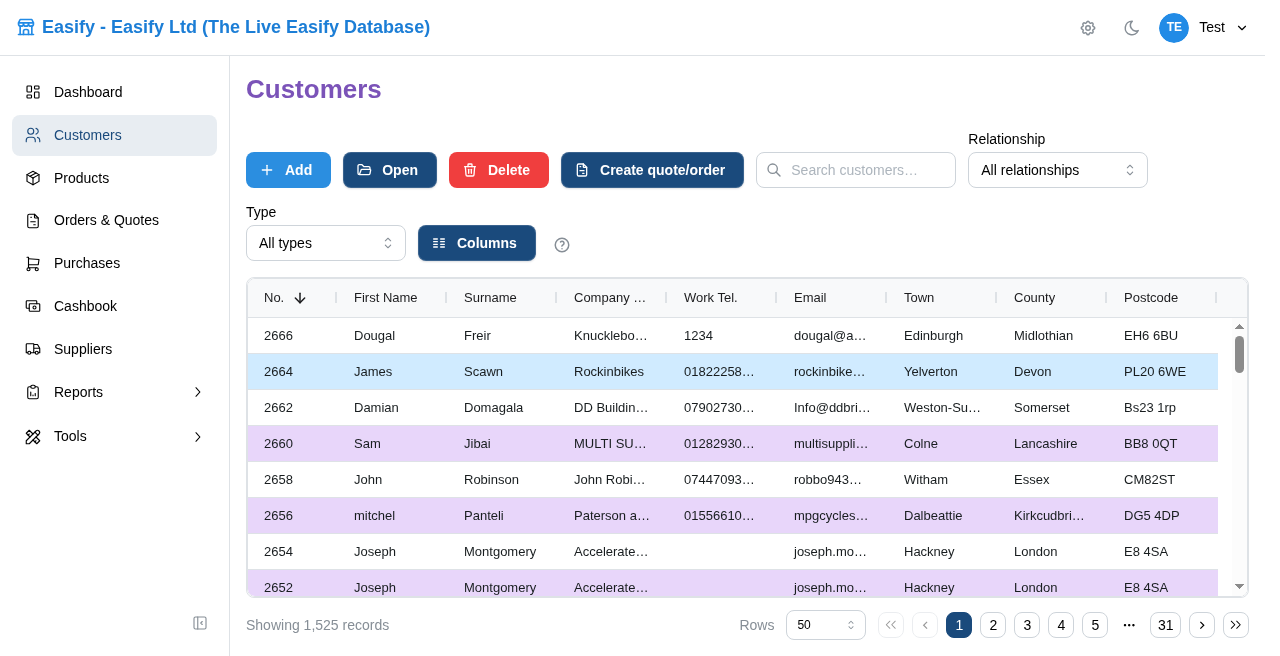
Open Customers in the sidebar. The page is a paged grid of your customers. The search box is on the title row, to the right of Customers. Clear it with the X or Escape. Relationship and Type stay as they are. Sort and choose columns the same way as other Easify Web lists.
Typical toolbar actions:
- Add — new customer (if you have permission)
- Open / Edit — selected row, or double-click a row
- Copy — copies the selected customer and stays on the list
- Columns — show, hide, and reorder columns (saved for your user)
- Help — this help
After you save in the editor, the list returns to the same filters and jumps to the saved customer.
Continue: Adding and editing a customer.